Pristine for any catalogClosed beta
Your Pristine footprint, in one place.
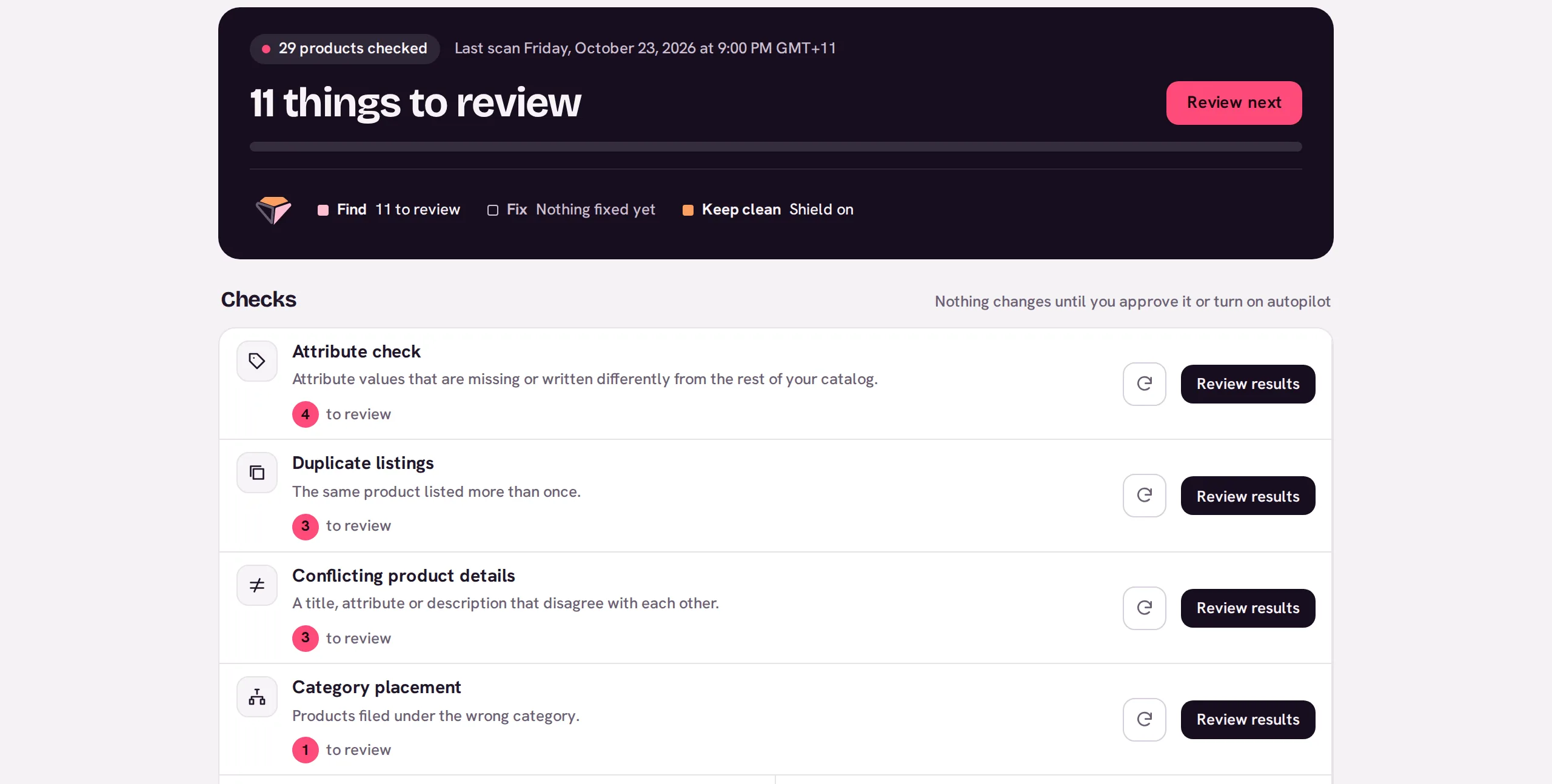
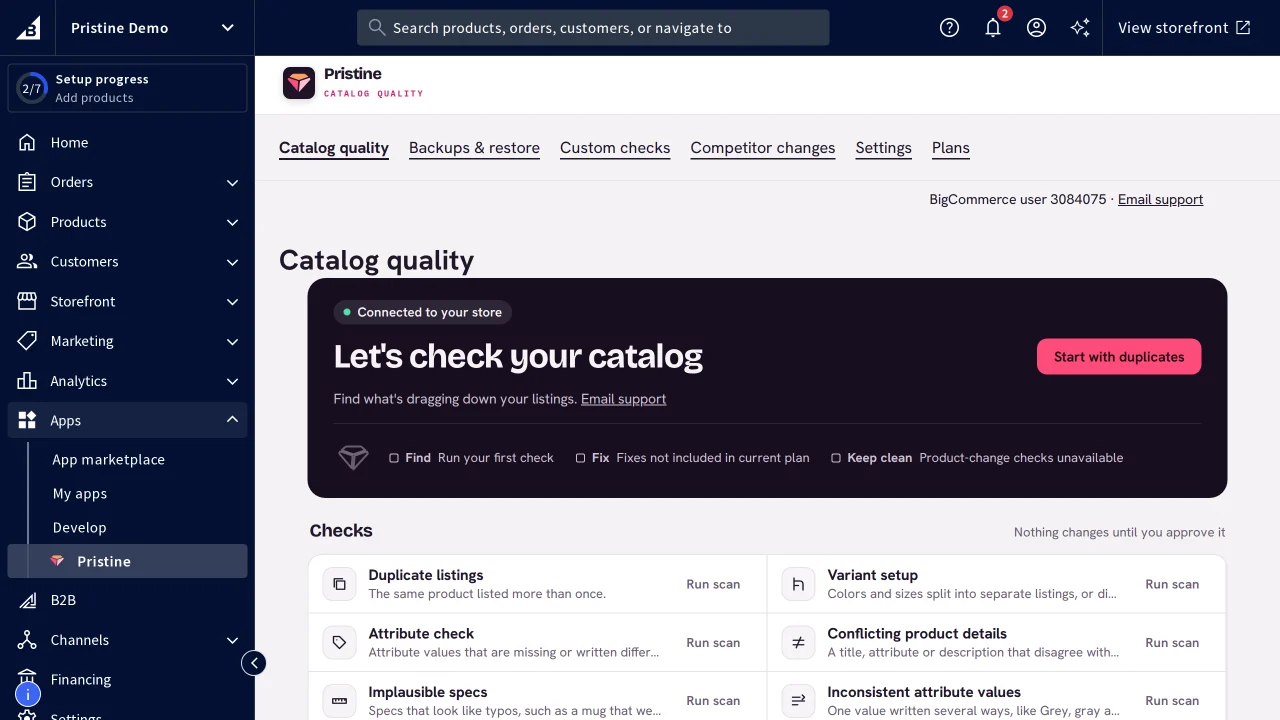
Your Pristine account at my.pristinecommerce.shop is where you see your catalogs together: what each one's latest scan found, the plan it's on and how many people share it. It also checks catalogs that live outside a store admin. Upload a spreadsheet export from any platform, feed or ERP.
- Catalogs
- 3
- Open findings
- 23
- Products
- 19,058
- Wholesale price listCSV upload · 4,812 products23 to review
- Supplier feed: Lumen HomeCSV upload · 1,906 productsChecking
- Marketplace exportCSV upload · 12,340 productsNothing to review
What an account does today
- One overview of every catalog in your account
- Latest scan and open findings for each catalog, added up across them
- Each catalog's plan and Shield coverage
- How many people share each account, and your role in it
- CSV upload with column mapping for catalogs outside a store admin
- Sign in with Google
Not yet
- Open sign-up: accounts open once we accept your emailed application
- Linking your Shopify and BigCommerce stores to your account
- Inviting teammates from your account
Get started
Apply for the beta
Email support@pristinecommerce.shop about the catalogs you'd like to check and the problems you'd like solved.
Sign in
Once we accept you, use Continue with Google at my.pristinecommerce.shop with the email address you applied from.
Upload a catalog
Upload a CSV and match its columns to product fields. Replace it when your catalog changes.
Run checks and read the overview
Findings and evidence work as in the store apps, and the overview adds them up across your catalogs.
Step-by-step help: Supported platforms. Questions go to support@pristinecommerce.shop.