Pristine for ShopifyInside Shopify admin
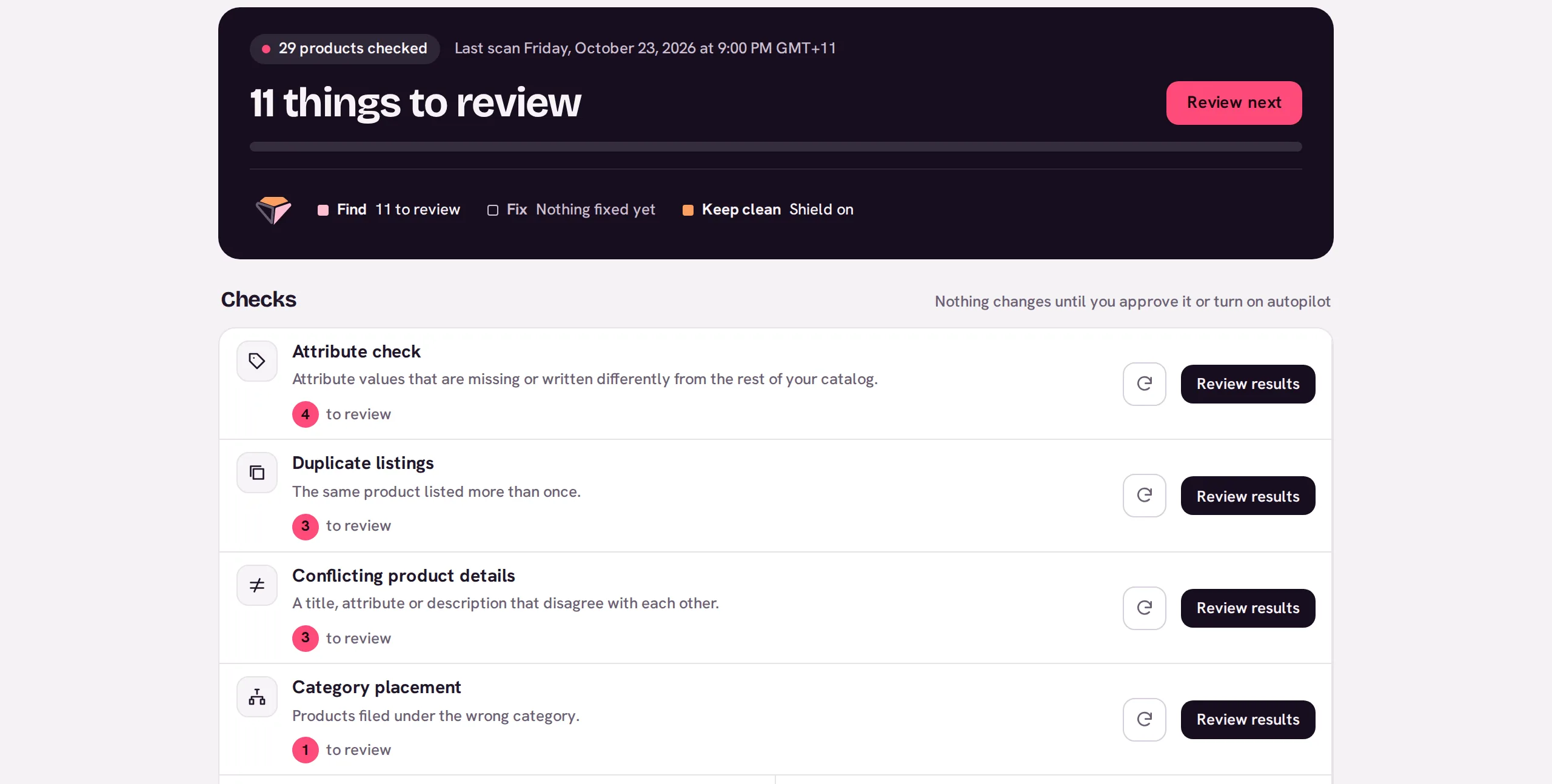
The whole app, inside your Shopify admin.
Find, fix and keep clean: all 17 checks, one-click fixes with a restore point, and Shield watching products as they're saved. Billing runs through Shopify.
admin.shopify.com/store/your-store/apps/pristine-commerce
Everything Pristine does
- All 17 checks, each finding with its evidence
- One-click fixes and duplicate merges, from Starter
- A restore point saved before every change
- Shield on-save checks and scheduled rescans, from Growth
- Competitor tracking, from Pro
- Free checks up to the first 1,000 products
Get started
Install from the Shopify App Store
Approve the permissions. Pristine reads and updates products and manages product URL redirects; it never sees customers, orders or payments.
Open Pristine from Apps
It runs inside your admin, so there's no separate sign-in.
Run your first checks
Choose Run all checks to start the checks that are ready, or Run scan beside one such as Duplicate listings, and review findings as they arrive.
Approve fixes when you're ready
Every applied change links to its restore point in Backups.
Step-by-step help: Getting started on Shopify. Questions go to support@pristinecommerce.shop.
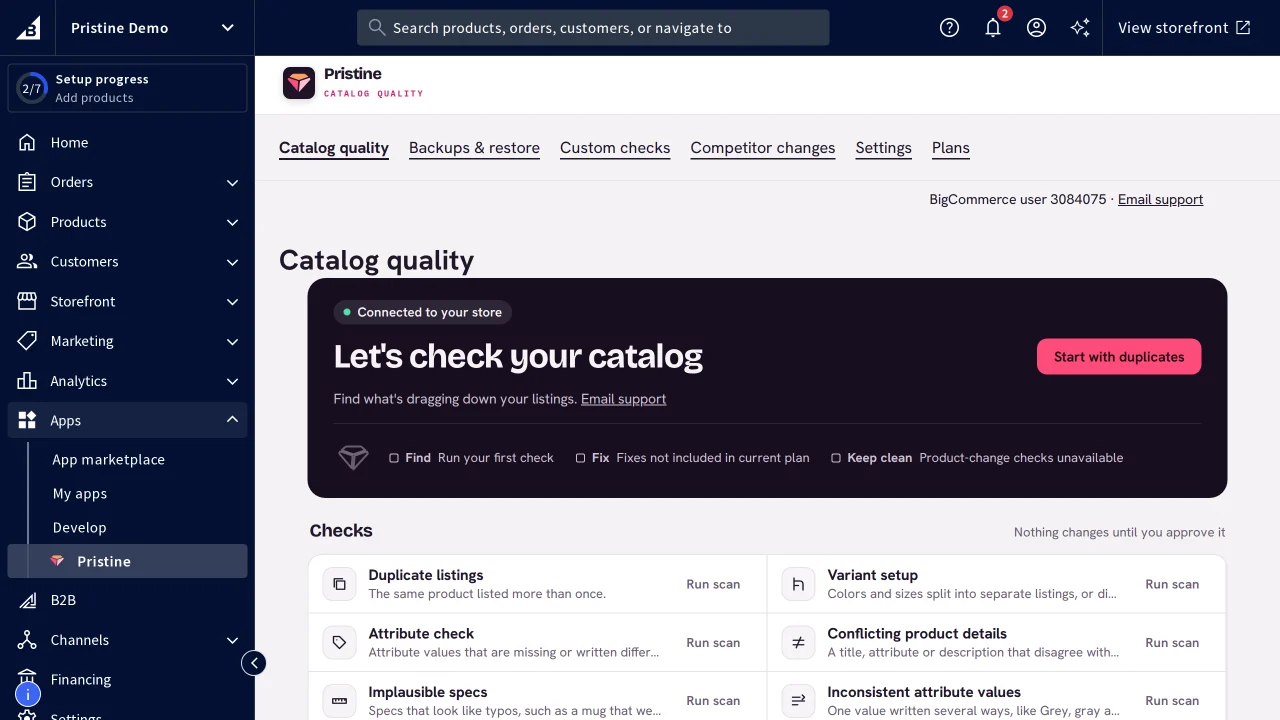
Pristine runs in other places too.
- Catalogs
- 3
- Open findings
- 23
- Products
- 19,058
- Wholesale price listCSV upload · 4,812 products23 to review
- Supplier feed: Lumen HomeCSV upload · 1,906 productsChecking
- Marketplace exportCSV upload · 12,340 productsNothing to review