Pristine for BigCommerceClosed beta
Catalog checks inside BigCommerce, free during the beta.
Pristine opens inside your BigCommerce control panel. Install it, send the short application inside the app, and once we accept it, run the catalog checks, read the evidence for every finding and write your own rules. Scans never change your products.
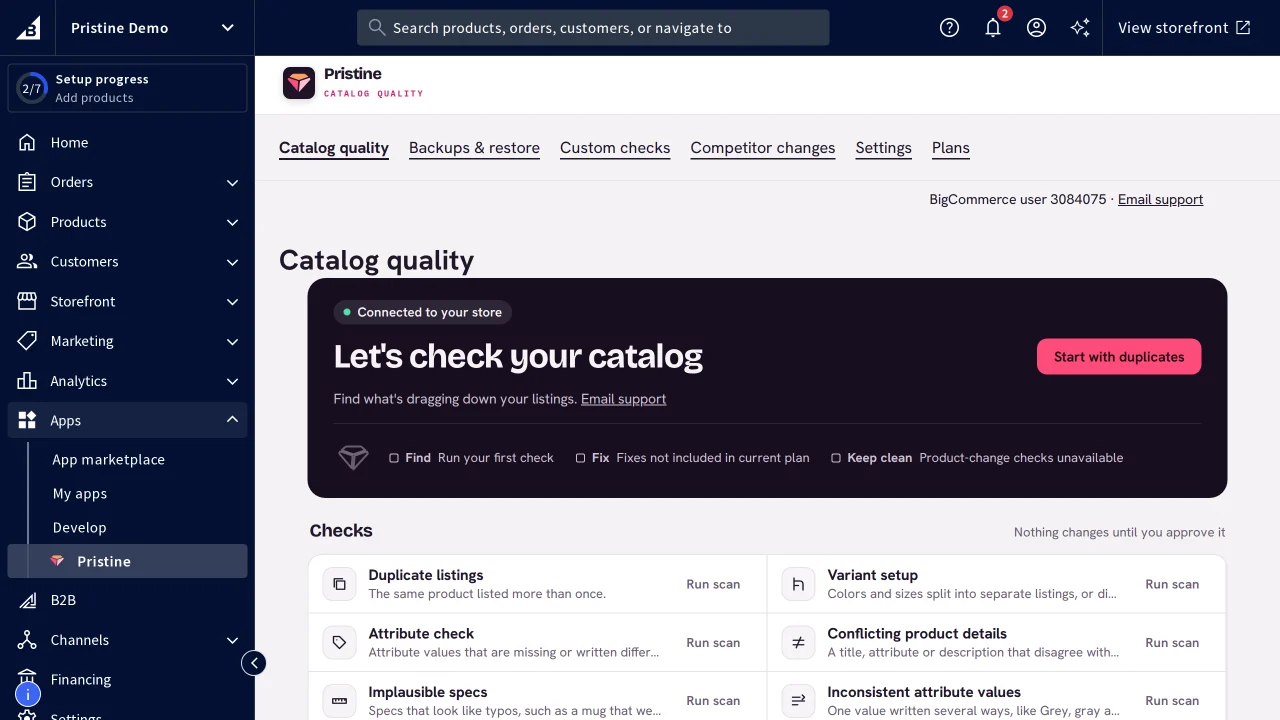
What you get on BigCommerce
- Catalog checks for duplicates, variants, attributes and conflicting details
- Every finding with its evidence
- Compare possible duplicates side by side
- Custom checks written in plain English
- Field fixes, each with a restore point
- Staff with app access in the same store can use it
Get started
Authorize your store
Choose Install from Pristine's BigCommerce app listing and review the permissions.
Confirm the store and apply
Check the store name on the confirmation page, select Open store, then send the short application. Access unlocks when we accept it.
Run all checks
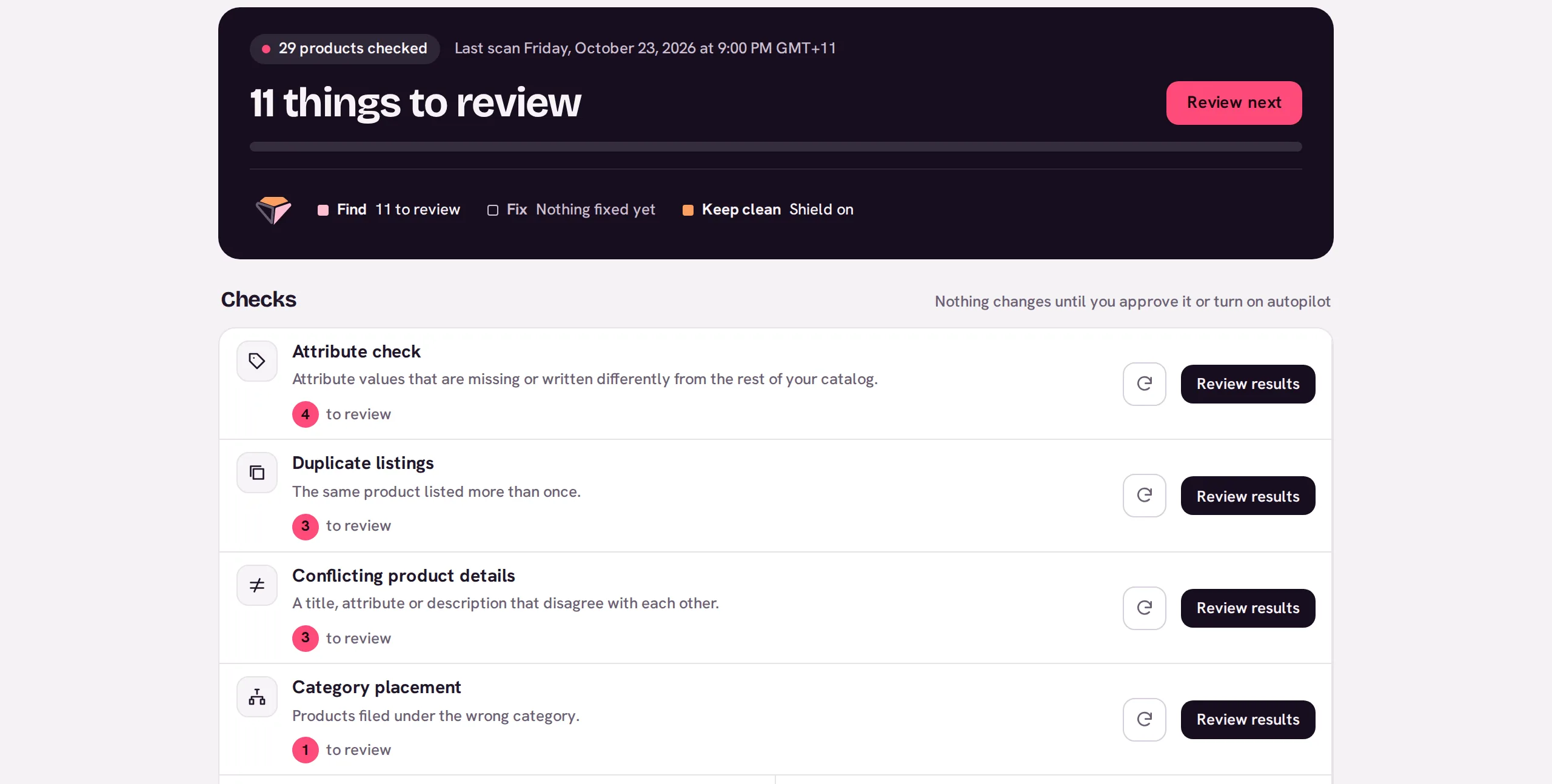
Once you're in, choose Run all checks on Catalog quality to start the checks that are ready, or Run scan beside one such as Duplicate listings.
Review the findings
Approve a fix, or dismiss what doesn't apply. Every applied change has a restore point in Backups.
Step-by-step help: BigCommerce installation guide. Questions go to support@pristinecommerce.shop.
Pristine runs in other places too.
- Catalogs
- 3
- Open findings
- 23
- Products
- 19,058
- Wholesale price listCSV upload · 4,812 products23 to review
- Supplier feed: Lumen HomeCSV upload · 1,906 productsChecking
- Marketplace exportCSV upload · 12,340 productsNothing to review