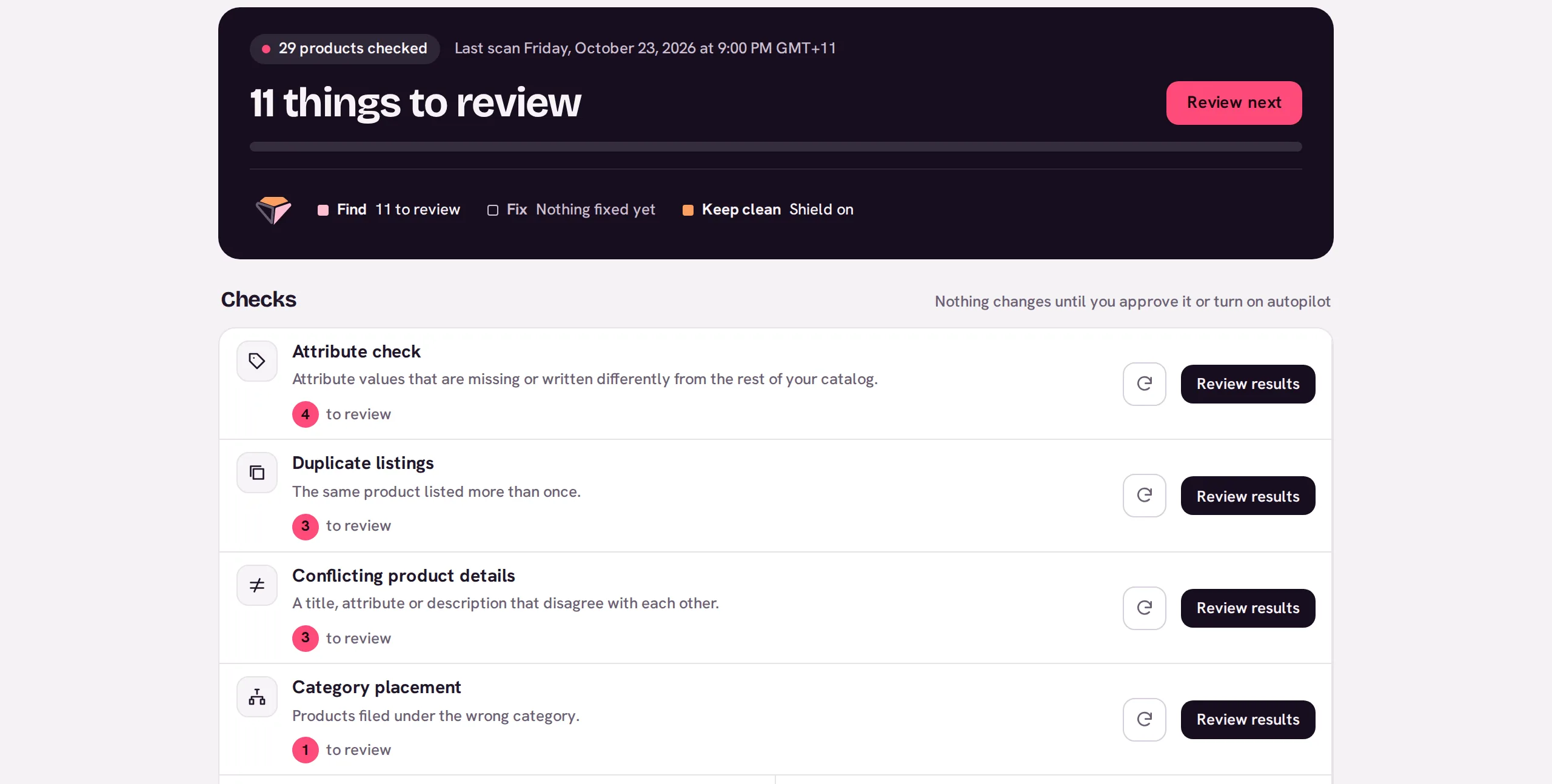
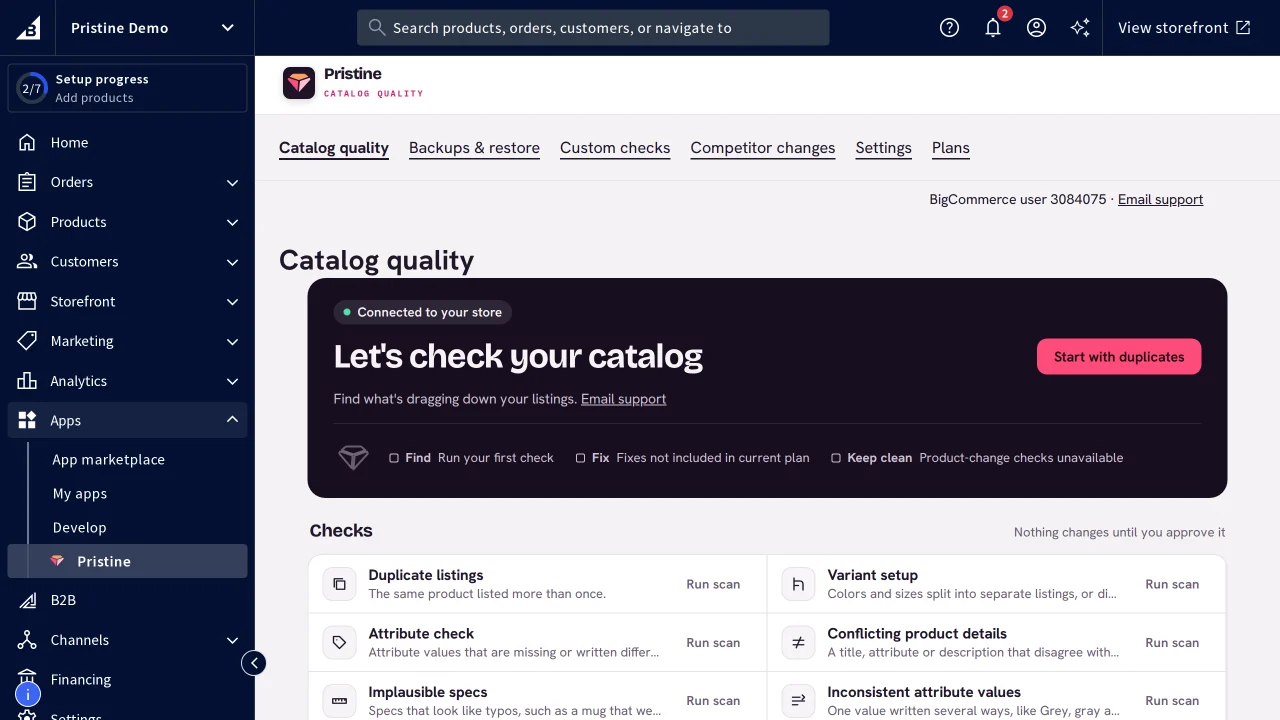
Catalog checks for Wix, free during the open beta.
The read-only Wix app is enabled for the free open beta; App Market review is pending. Open Pristine from Wix after installing the app. Catalog export remains available while the listing is under review. Pristine's catalog checks for Wix are available through catalog export, free during the open beta. Find duplicates, missing details, conflicting data and photos that don't match the listing, with the evidence behind every finding. Sign up with Google, then upload your export.
Create your Pristine account at my.pristinecommerce.shop. Free during the open beta.
2
Export from Wix
Go to Products > More Actions > Export. Wix exports physical products only, with up to 5,000 rows per file; variants count toward that limit. Pristine's smaller upload limit still applies.
3
Upload and match columns
Upload the CSV to your Pristine account. We help map your export during the beta. These exports are not imported automatically: column names and variant rows may need preparation, including rows that repeat a parent product ID. Up to 1,228 products and 5 MiB per uploaded catalog. If your catalog is larger, agree a smaller scope with us before uploading.
4
Run checks
Read each finding and its evidence, or write a custom check. Make changes in your own store, then re-upload the export and check again. Pristine does not write changes back to your store.